Features
Features of MeldAmp
A closer look at the main screens and focused tools that make up MeldAmp.
Intuitive, Modern User Interface
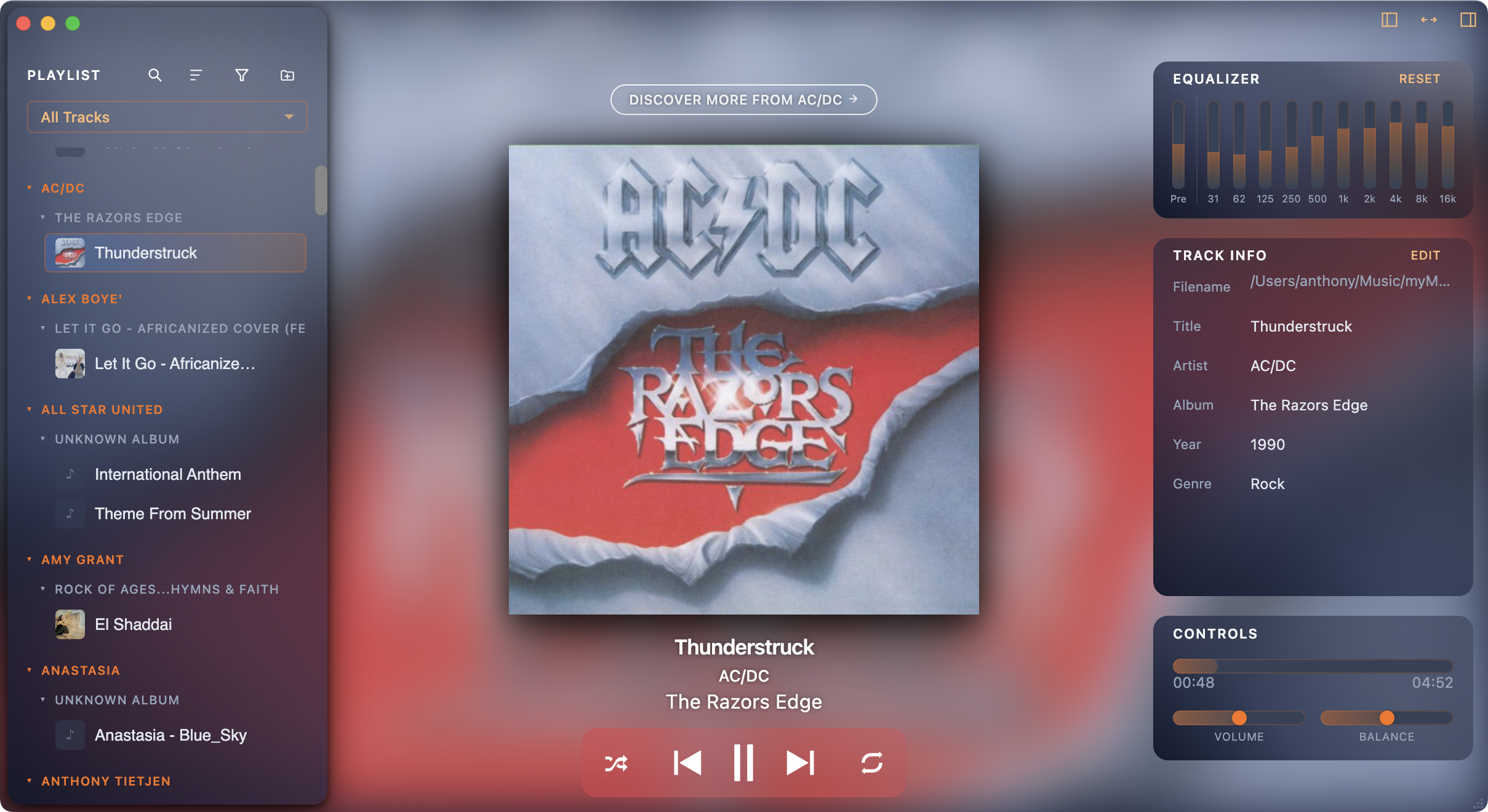
MeldAmp is designed to fill a larger screen naturally. Your library, playback controls, now-playing view, and equalizer all fit comfortably together.
The Discover Music area includes links to help you explore artists and releases.2
Powerful Playlist Manager
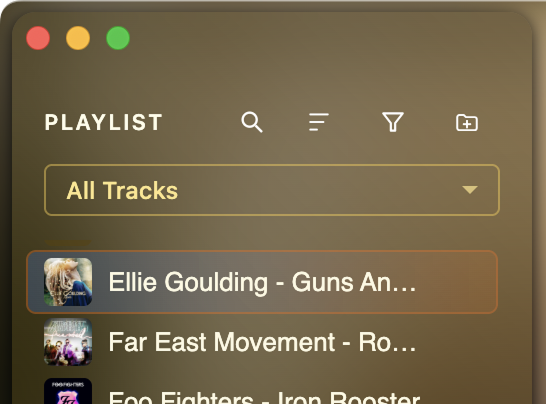
Start with a clean, minimal view that keeps the playlist simple to navigate. When you need more control, advanced options are a menu button click away.
Advanced options include: searching, managing multiple source folders, creating custom playlists, flat list or tree view, multiple grouping options, expand/collapse groups, show/hide duplicate tracks, and filter by audio format.
Dynamic Equalizer
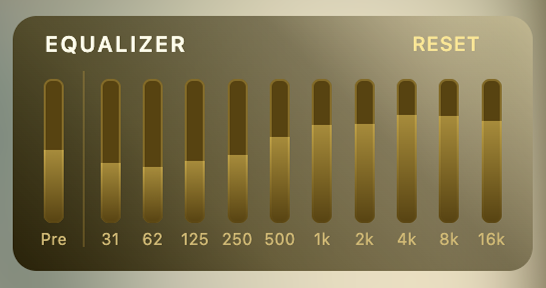
Shape the sound to fit your headphones, speakers, or listening space. Fine-tune the audio with an equalizer that keeps the controls visible and easy to reach.
The equalizer includes 10 bands plus a preamp control, so you can dial in the curve without losing headroom. Reset is just a button click away.
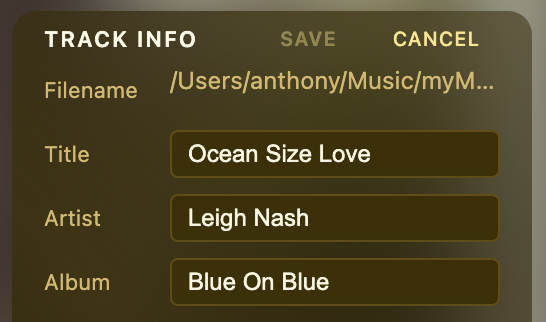
Tag Manager
Clean up artist names, album data, and track metadata from one focused screen.
Keep your collection tidy while staying focused on your music.
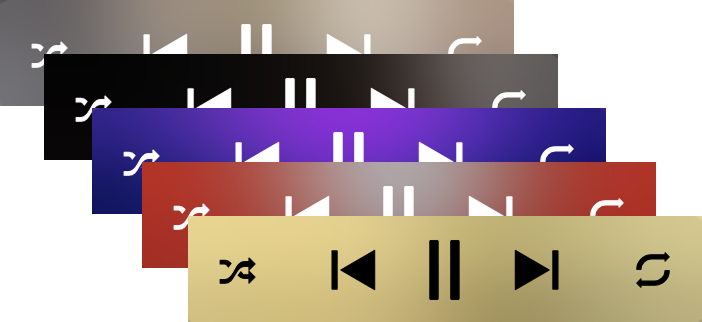
Listen with album-colored glasses
MeldAmp adapts to whatever album art is on screen, so the whole player feels like part of the same moment—not a separate window stuck in one look.
Change tracks and the vibe can change with them: a little more energy here, a calmer mood there, without you hunting through settings.